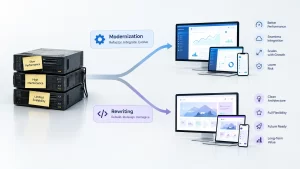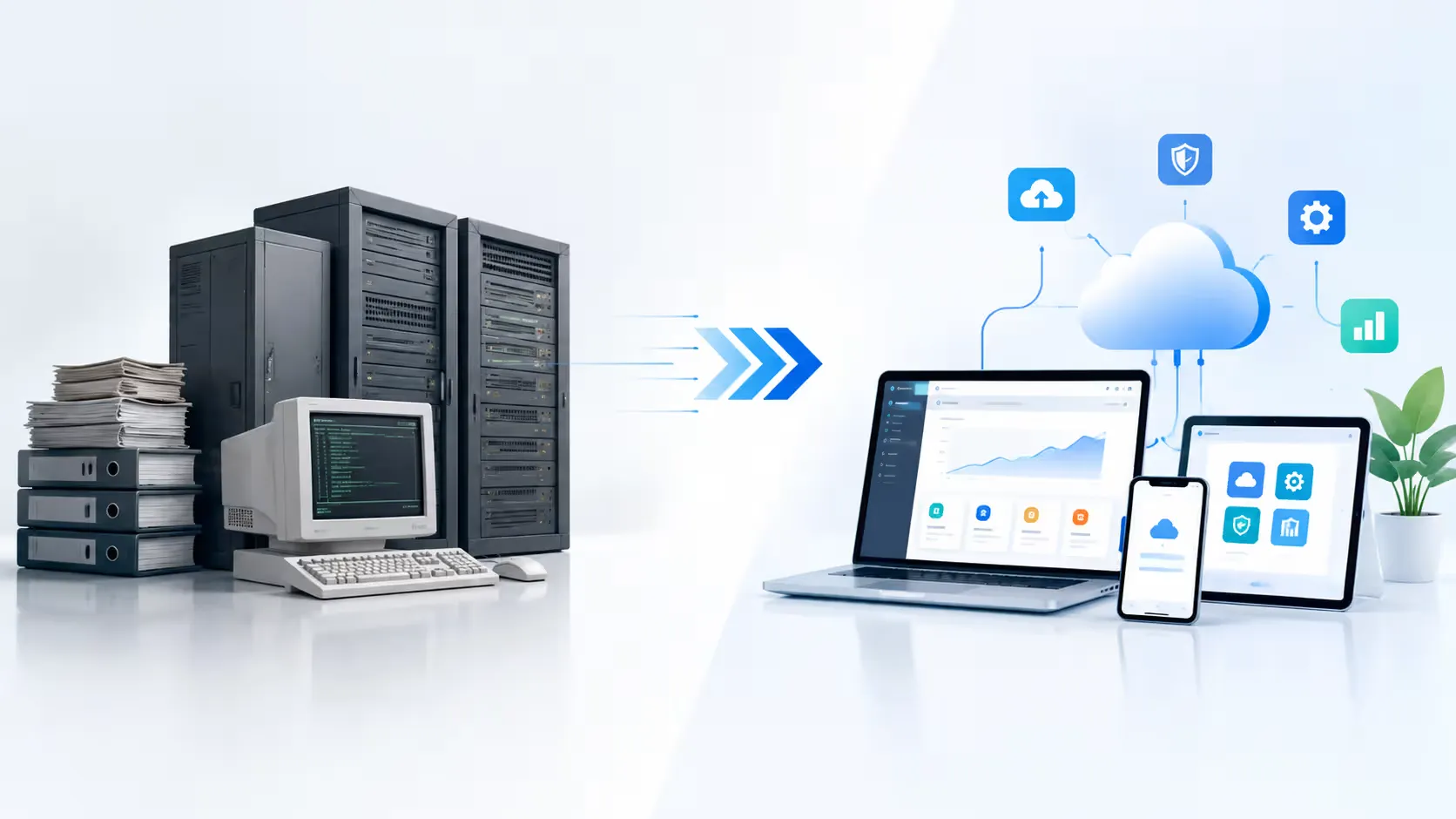

Legacy application migration is the process of moving outdated software, databases, and infrastructure to modern, cloud-based or updated on-premise platforms. It typically follows a structured path of assessment, planning, data migration, testing, and cutover, allowing businesses to cut maintenance costs, close security gaps, and gain the flexibility to scale and innovate.
If you have ever sat in a budget meeting and wondered why your IT spend keeps climbing while your systems feel more fragile every year, you are not alone. Somewhere in your stack sits a piece of software that everyone is afraid to touch: a billing engine written two decades ago, a scheduling tool held together by a single developer’s institutional knowledge, or a database that only “just barely” talks to your newer applications. This is the quiet tax that legacy technology places on growing businesses, and it rarely shows up as one big bill. It shows up as missed deadlines, frustrated employees, and customers who wonder why your competitor’s app feels so much smoother than yours.
Legacy application migration is how organizations break that cycle. Done well, it is not simply a technical project handed off to IT; it is a business decision that touches revenue, security, compliance, and the day-to-day experience of everyone who relies on your systems. Firms like Bantech’s legacy system transformation team work through this exact problem with clients every week, and the patterns that separate a smooth migration from a painful one tend to repeat themselves across industries. This guide walks through what legacy migration actually involves, why it matters more in 2026 than it ever has, and how to plan a move that protects your operations instead of disrupting them.
What Counts as a Legacy Application, Really?
The word “legacy” gets thrown around loosely, so it helps to define it plainly. A legacy application is any system that is still running your business but is built on outdated technology, unsupported infrastructure, or an architecture that can no longer keep pace with current demands. That could mean a mainframe application written in COBOL, a client-server tool from the early 2000s, or, increasingly, a five-year-old cloud application that was never designed for today’s scale or integration needs.
Age is not the only factor. A system can be considered legacy if it meets any of the following:
- The original vendor no longer supports it, or support contracts are prohibitively expensive.
- It runs on hardware or operating systems that are end of life.
- Very few people on staff understand how it works internally.
- It cannot integrate with modern APIs, cloud services, or analytics tools without custom workarounds.
- Security patches are rare, delayed, or no longer issued at all.
Recognizing these traits early matters because legacy risk compounds quietly. A system that is merely inconvenient today can become a genuine liability within a year or two, particularly as vendors deprecate the platforms it depends on.
Why Legacy Migration Has Become Urgent
For a long time, “we’ll modernize eventually” was an acceptable answer. That window is closing. Industry research consistently shows that the financial and competitive pressure of standing still is rising faster than most leadership teams expect. Analysts have found that technical debt tied to aging systems can consume close to 40 percent of enterprise IT budgets, money that could otherwise fund new products, better customer experiences, or growth initiatives. Meanwhile, a large share of IT decision-makers now describe modernization as essential rather than optional, because the gap between legacy capabilities and what customers expect keeps widening.
There are a few forces driving this shift at once:
Rising security exposure. Older systems were not built with today’s threat landscape in mind. Many predate multi-factor authentication, zero trust architecture, and modern encryption standards. Attackers know this, and unpatched legacy systems remain one of the most common entry points for breaches.
Talent scarcity. Fewer engineers graduate with skills in COBOL, legacy ERP frameworks, or obsolete scripting languages every year. As the specialists who understand these systems retire, the cost and risk of maintaining them both climb.
Cloud-native competitors. Businesses that started on modern, cloud-native architecture can release features, scale infrastructure, and respond to market shifts far faster than organizations still bound to rigid legacy systems. That speed gap shows up directly in customer retention and market share.
Compliance pressure. Regulations such as GDPR, HIPAA, and PCI-DSS increasingly assume a level of data visibility, encryption, and auditability that legacy platforms were never designed to deliver.
AI readiness. Most modern AI and automation tools expect clean, accessible data through APIs. Legacy systems with siloed, poorly documented data structures make it difficult to plug in the intelligent tools that are quickly becoming standard across every industry.
The Hidden Costs of Staying Put
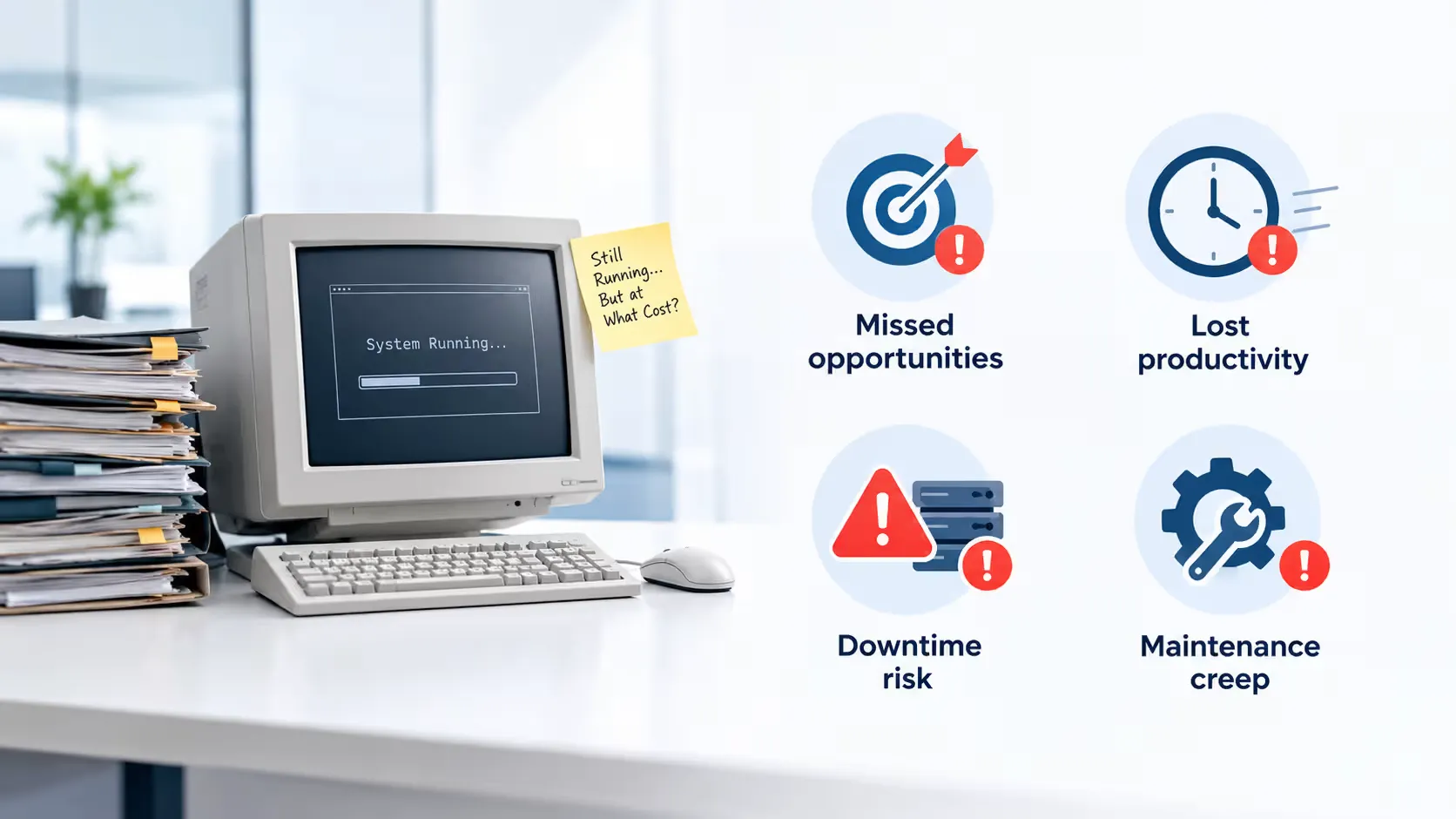
It is tempting to think that avoiding migration saves money, since there is no upfront project cost. In practice, the opposite is usually true. The expense of legacy systems tends to hide in places that do not show up on a single invoice.
Maintenance creep. Every year a legacy system survives, the cost of keeping it alive tends to rise. Specialized contractors charge premium rates for rare skills, replacement parts for old hardware become harder to source, and workarounds pile up on top of workarounds.
Downtime risk. Aging infrastructure fails more often and takes longer to repair, particularly when documentation is thin or the original developers are long gone.
Lost productivity. Employees who spend their day fighting clunky interfaces, manual data re-entry, or slow batch processes are not doing the work that actually grows the business. That lost time rarely appears on a balance sheet, but it adds up quickly across a large team.
Missed opportunities. Perhaps the largest hidden cost is optionality. Every new product idea, integration, or automation initiative has to be evaluated against whether the legacy system can support it. Often, it cannot, and the idea quietly dies before it reaches a roadmap.
Choosing a Migration Strategy: Understanding the “R” Framework
One of the most useful mental models in this space comes from cloud providers who formalized a set of common migration strategies, often referred to as the “Rs.” According to AWS’s own prescriptive guidance on application migration strategies, most organizations choose from a handful of approaches depending on the complexity, risk tolerance, and business value of each system. Understanding these options helps you avoid a one-size-fits-all mistake, since not every application needs the same treatment.
Rehost (Lift and Shift). You move the application to new infrastructure, typically the cloud, with minimal changes to the code itself. This is usually the fastest and least risky option, and it is a strong starting point when time pressure or budget constraints rule out a deeper rebuild.
Replatform (Lift, Tinker, and Shift). You make targeted improvements during the move, such as swapping a self-managed database for a managed cloud database service, without changing the application’s core architecture. This captures some efficiency gains without the cost of a full rebuild.
Repurchase. Instead of migrating the old application, you replace it entirely with a modern SaaS product that covers the same business function. This is common for commodity functions like CRM, HR, or ticketing systems, where building custom software no longer makes sense.
Refactor or Re-architect. You rebuild the application to take full advantage of cloud-native features such as microservices, containers, and serverless computing. This option costs the most and takes the longest, but it delivers the greatest long-term flexibility and is usually reserved for systems that are strategically important to the business.
Retain. Some applications are not ready to move yet, whether due to compliance requirements, dependency chains, or a recent investment that has not paid off. It is perfectly reasonable to leave these in place temporarily and revisit them later.
Retire. Not every application deserves to survive the migration. A careful audit often reveals systems nobody actually uses anymore, sometimes called “zombie applications.” Retiring these immediately reduces cost and complexity before the real migration work even begins.
Most large migrations blend several of these strategies across a portfolio of applications rather than applying one approach uniformly. A payroll system with strict compliance needs might be replatformed carefully over months, while an internal reporting tool nobody has opened in a year gets retired on day one.
A Step-by-Step Legacy Migration Process
While every organization’s situation is different, successful migrations tend to follow a similar sequence.
1. Comprehensive Assessment and Discovery
Before anything moves, you need a clear picture of what you actually have. This means cataloguing every application, database, integration point, and dependency in your environment. It sounds tedious, but skipping this step is the single most common cause of migration failures, because hidden dependencies have a way of surfacing at the worst possible moment. A good assessment identifies which systems are business-critical, which are redundant, and which carry the highest security or compliance risk.
2. Strategic Planning and Roadmap Development
Once you know what you are working with, you can prioritize. Not every application needs to move at once, and trying to migrate everything simultaneously is a recipe for chaos. A phased roadmap typically starts with lower-risk, high-value systems to build confidence and momentum, then tackles the more complex, business-critical applications once the team has proven its process.
3. Choosing the Right Migration Approach
Using the “R” framework above, decide which strategy fits each application. This decision should weigh business value, technical complexity, compliance sensitivity, and how much disruption the organization can tolerate during the transition.
4. Data Migration and Integrity Checks
Data is usually the most sensitive part of any migration. It needs to move accurately, completely, and securely, often while the source system remains live and continues to generate new records. Running parallel validation checks, comparing record counts, and reconciling data before and after the move are essential steps that should never be rushed.
5. Testing in a Controlled Environment
Before cutover, the new system should be tested thoroughly against real-world scenarios, not just the happy path. This includes load testing, security testing, and user acceptance testing with the people who will actually use the system every day. Problems found here are inconvenient; problems found after go-live are expensive.
6. Phased Cutover and Parallel Runs
Rather than flipping a switch overnight, many organizations run the old and new systems in parallel for a defined period. This dual-run approach, sometimes paired with a phased rollout by department or region, gives teams a safety net if something unexpected appears in production.
7. Post-Migration Support, Training, and Optimization
The work does not end at go-live. Teams need training on the new system, support channels need to be ready for early hiccups, and performance should be monitored closely in the first weeks to catch anything that testing might have missed. This is also the point where further optimization, whether that is cost tuning, workflow automation, or additional integrations, delivers the most value.
Common Challenges and How to Handle Them
Even well-planned migrations run into friction. Knowing the common pitfalls ahead of time makes them far easier to manage.
Undocumented dependencies. Legacy systems often connect to other tools in ways nobody remembers or wrote down. A thorough discovery phase, combined with monitoring live traffic before the move, helps surface these hidden links before they cause an outage.
Data quality issues. Years of manual entry, duplicate records, and inconsistent formatting tend to accumulate in old systems. Migration is actually a good opportunity to clean this up, but it does add time to the project if not planned for in advance.
Business disruption fears. Teams that rely on a legacy system daily are often, understandably, anxious about change. Clear communication, realistic timelines, and visible wins early in the process go a long way toward building trust.
Skill gaps. Few in-house teams have deep experience with both the old technology stack and the target modern platform. This is exactly the kind of specialized gap that experienced modernization partners are built to close, bringing pattern recognition from dozens of similar projects rather than learning on the fly.
Budget overruns. Migrations that skip proper discovery tend to run over budget because unknowns keep surfacing mid-project. Investing in a rigorous assessment phase upfront is one of the most reliable ways to keep costs predictable.
Security and Compliance During Migration
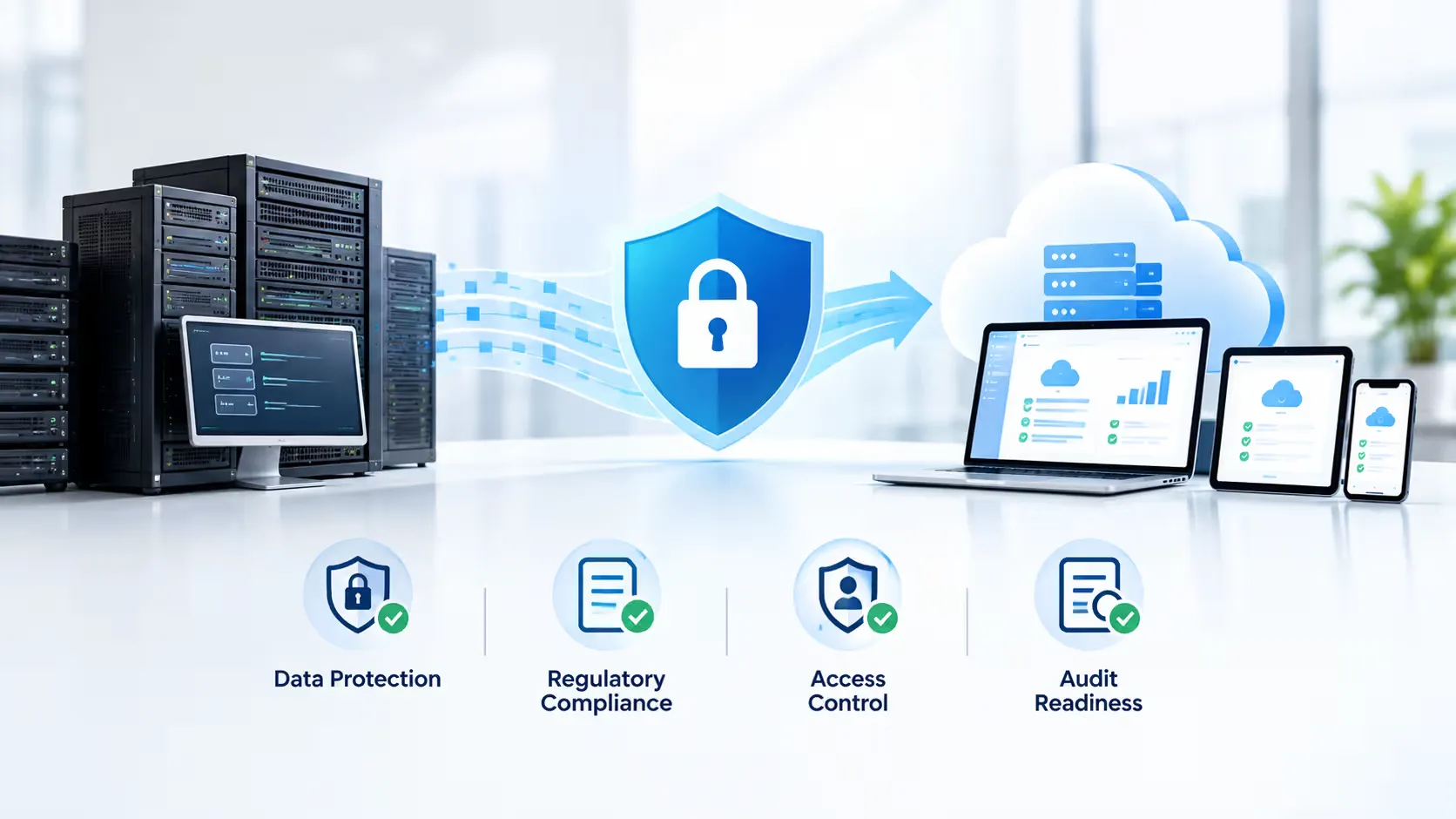
Migration is also a natural checkpoint to strengthen your security posture rather than simply carry old vulnerabilities into a new environment. This typically includes conducting vulnerability assessments before the move, encrypting data both at rest and in transit, applying least-privilege access controls, and mapping the new architecture against whatever compliance frameworks apply to your industry, such as HIPAA for healthcare or PCI-DSS for payment processing. Businesses that also want a broader upgrade to their infrastructure often pair application migration with a wider cloud strategy and migration initiative, which extends these same security and scalability gains across the rest of the technology stack, not just the one application being modernized.
Real-World Lessons From Large-Scale Migrations
It helps to look at how organizations with far larger and more complex environments have approached this work. Lincoln Financial Group, for example, migrated its legacy footprint, including decades-old assembler code and COBOL-based systems spanning roughly 120 complex applications, to the cloud in under two years. In an interview published by McKinsey on lessons learned from legacy-to-cloud transformations, the executives who led that effort emphasized a few themes that apply just as well to smaller businesses: grounding the decision in a clear cost-benefit case, building a detailed risk-mitigation plan before touching production systems, and adopting an adaptive, iterative planning process rather than a rigid project schedule that assumes nothing will change along the way.
The scale is different for most small and mid-sized businesses, but the underlying discipline is the same. Careful planning, honest risk assessment, and a willingness to adjust the plan as new information appears are what separate migrations that go smoothly from ones that generate headlines for the wrong reasons.
What Does Legacy Migration Cost?
Costs vary enormously based on system complexity and the chosen strategy, but rough industry benchmarks give a useful starting point for budgeting conversations:
- Rehosting (lift and shift): roughly $10,000 to $50,000 for a typical mid-sized application
- Replatforming: roughly $30,000 to $100,000
- Refactoring: roughly $50,000 to $150,000
- Rearchitecting or full rebuilds: $100,000 and up, sometimes well past $500,000 for highly complex, mission-critical systems
These figures shift based on the number of integrations, the volume and sensitivity of the data involved, and how much of the original codebase can be reused versus rewritten from scratch. A proper technical assessment, including a code audit and infrastructure review, is the only reliable way to get an accurate number for your specific environment.
How Long Does It Take?
Timelines are just as variable as cost, and they depend heavily on scope:
- Simple rehosting projects can often be completed in two to four weeks.
- Moderate replatforming or partial refactoring projects typically run two to four months.
- Full rearchitecting efforts, particularly for mission-critical or highly regulated systems, can take six months to well over a year.
Businesses under pressure to move quickly sometimes choose a lighter-touch strategy first, such as rehosting, and then modernize further once the system is safely running in the cloud. This staged approach reduces immediate risk while still setting up the long-term improvements for later.
A Practical Checklist Before You Start
Before committing budget and timelines to a legacy migration project, it is worth working through a short readiness checklist:
- Have you catalogued every application, integration, and data source that touches the system in question?
- Do you know which stakeholders and end users will be affected, and have they been part of the planning conversation?
- Have you identified compliance and security requirements the new environment must meet?
- Is there a clear rollback plan if something goes wrong during cutover?
- Have you budgeted not just for the migration itself, but for training, post-launch support, and a reasonable buffer for the unexpected?
- Do you have, or have you engaged, the specialized technical expertise the chosen migration strategy requires?
Answering these honestly before kickoff prevents a large share of the problems that derail migrations midstream.
Choosing the Right Migration Partner
Few internal IT teams handle legacy migrations often enough to build deep pattern recognition across different platforms, industries, and edge cases. That is usually where an outside partner earns its keep, not by replacing your team, but by supplementing it with experience gained from dozens of similar projects. When evaluating a partner, look for a track record with systems similar to yours, a transparent assessment and planning process rather than a rush to start coding, clear communication about risk, and a security-first mindset baked into every phase rather than treated as an afterthought.
Final Thoughts
Legacy application migration is rarely simple, but it is one of the most consequential investments a business can make in its own future. The organizations that treat it as a strategic priority, rather than a project to defer indefinitely, tend to come out the other side with lower operating costs, stronger security, and the flexibility to adopt whatever technology comes next, whether that is AI-driven automation, new integrations, or simply a faster, more reliable experience for employees and customers alike. The businesses still running on decades-old infrastructure five years from now will not be competing on a level playing field, and the gap will only be harder to close the longer it is left alone.